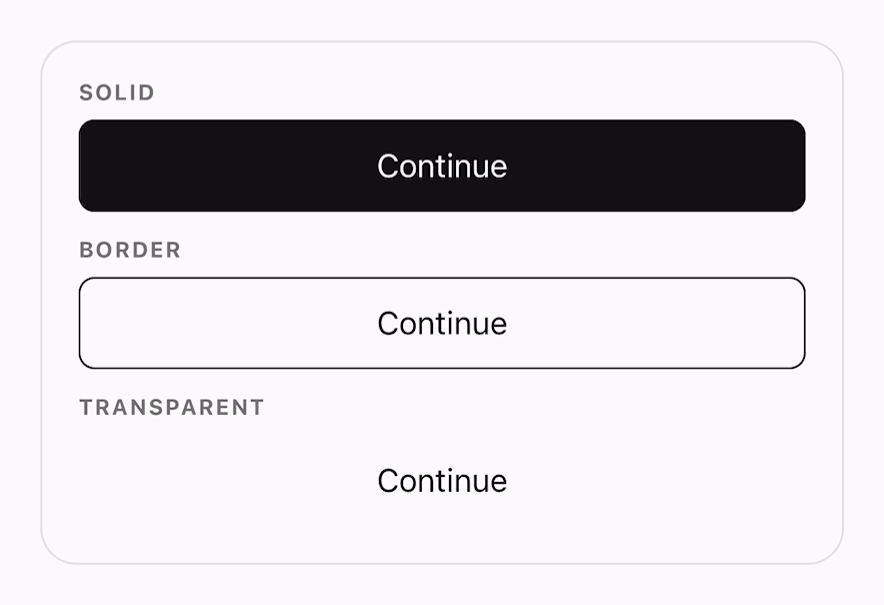
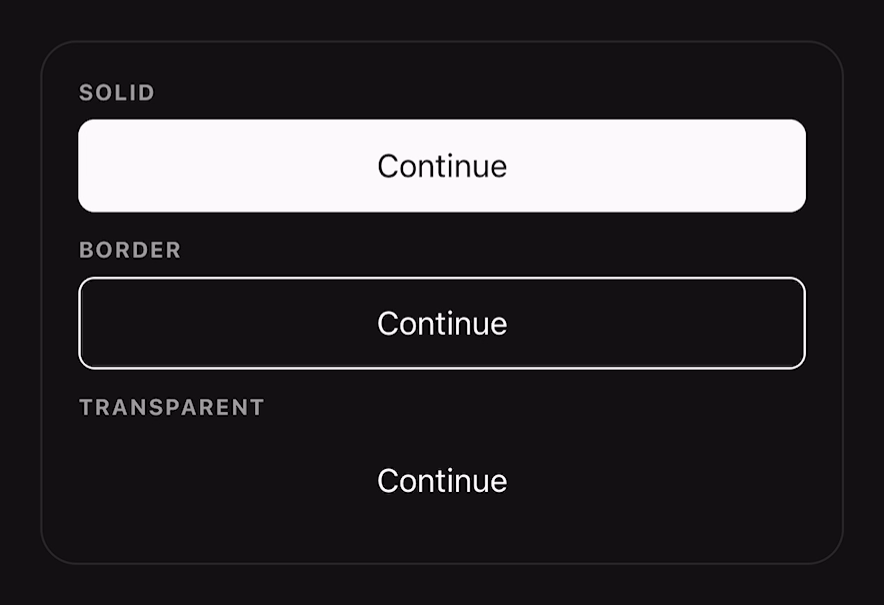
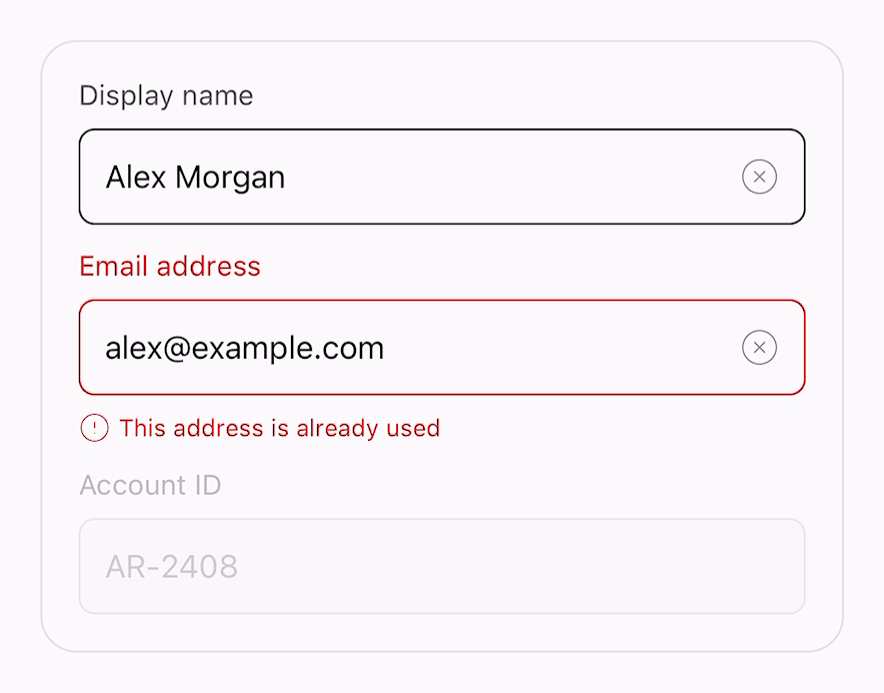
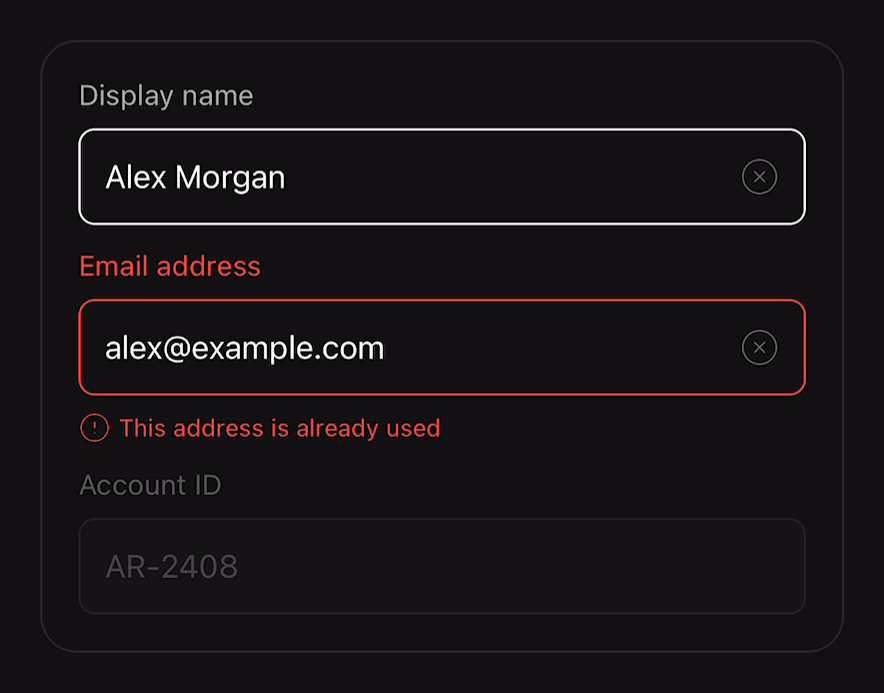


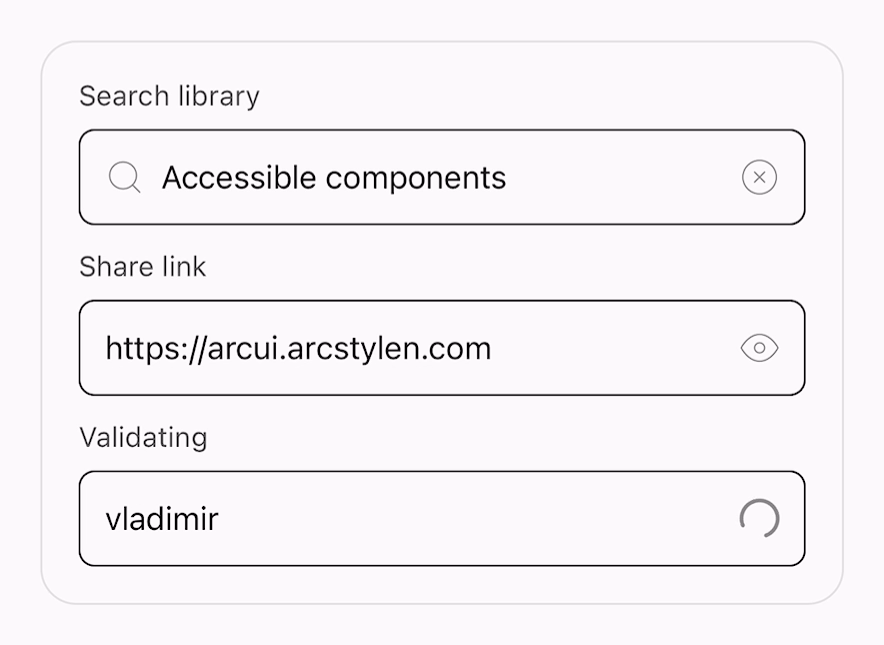
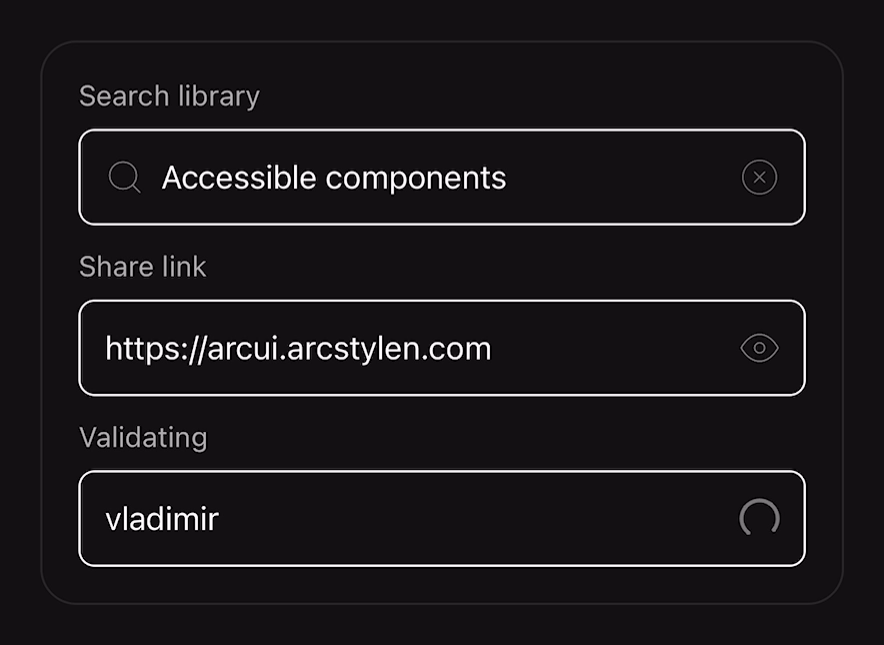
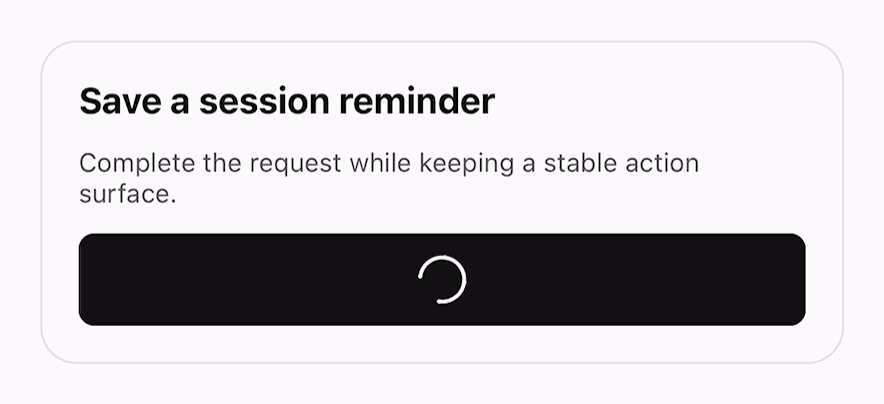
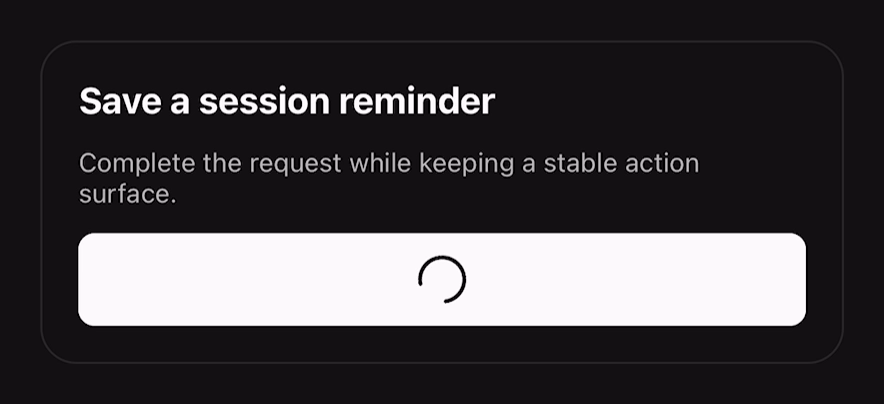



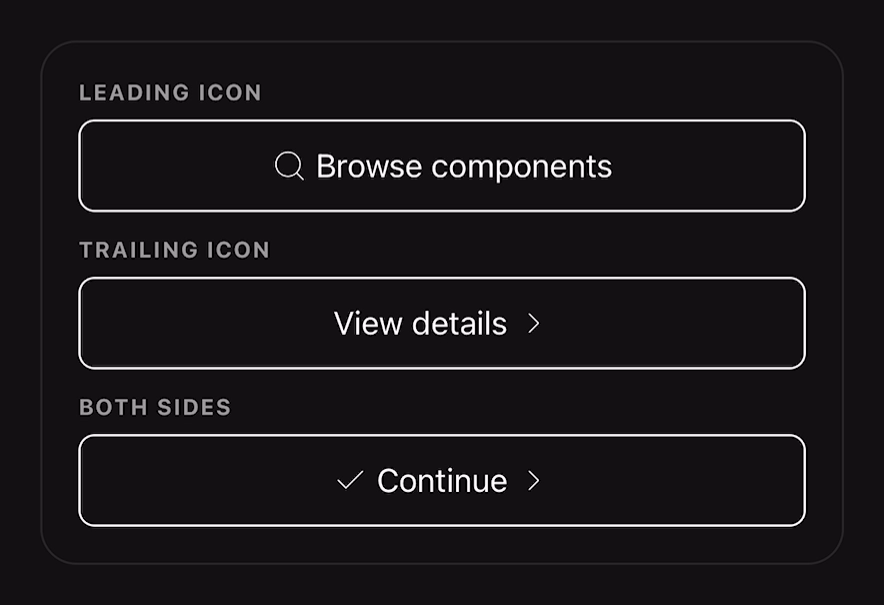
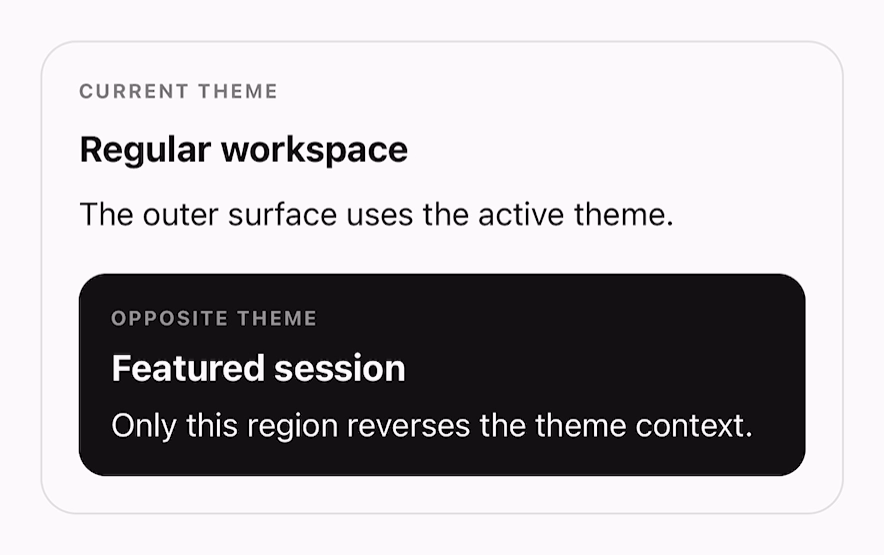
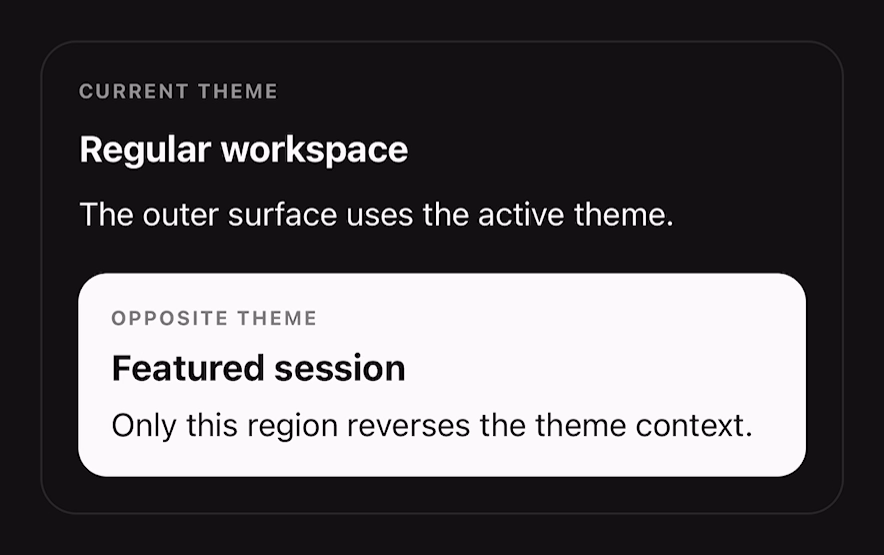

Performance first
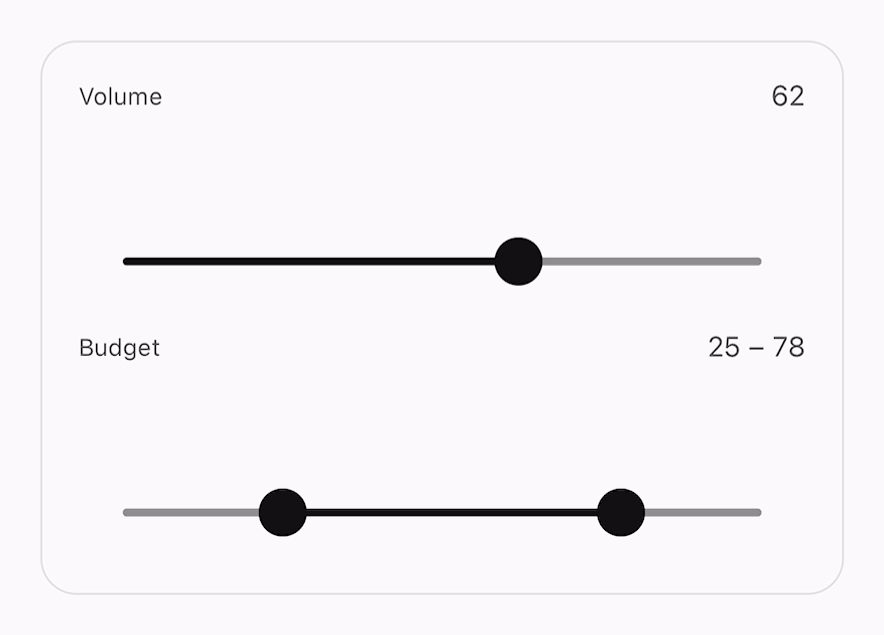
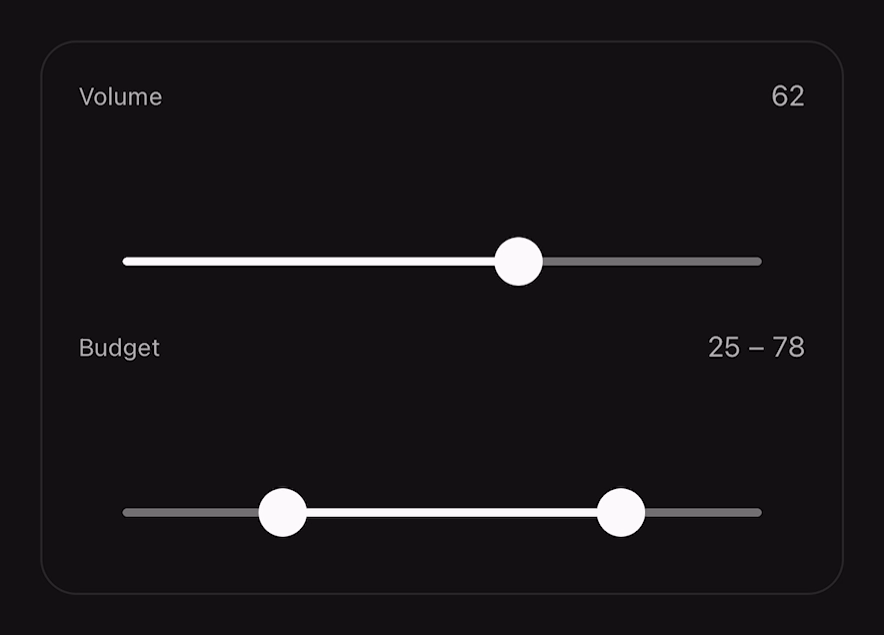
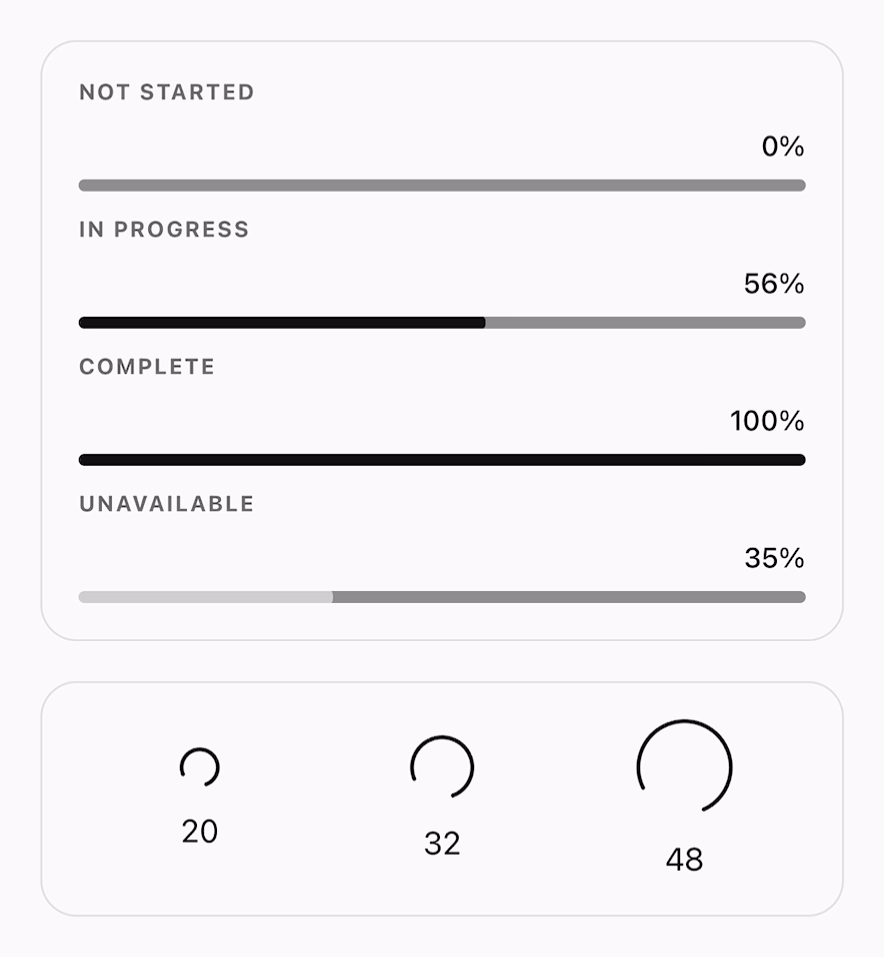
Frame-level visual work stays on the UI thread with Reanimated where practical, including gestures, transforms, progress, and theme interpolation.
React Native UI library
UI-thread-first motion, accessibility, theming, and predictable APIs for modern React Native applications.
$npm install react-native-arc-uiReal ARCUI behavior
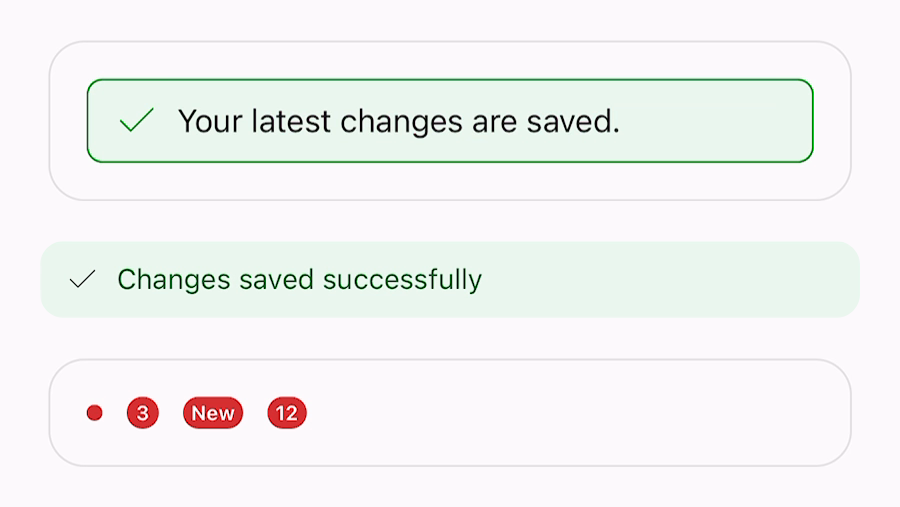
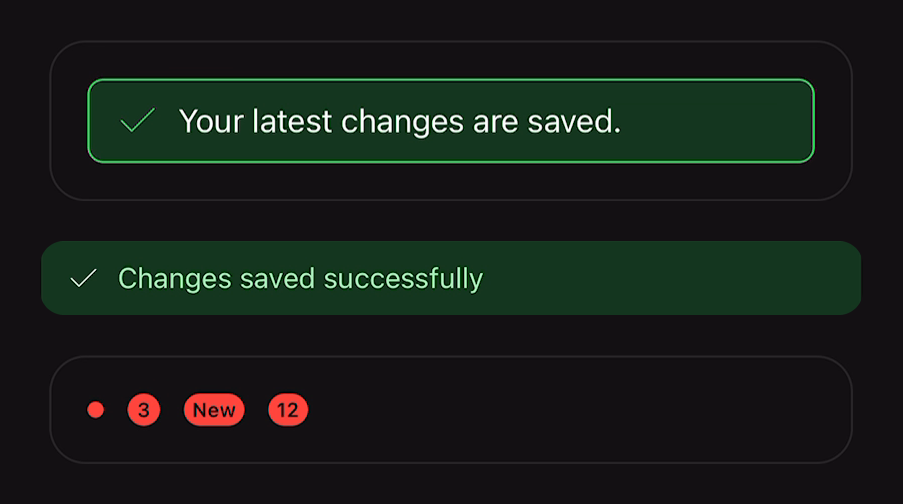
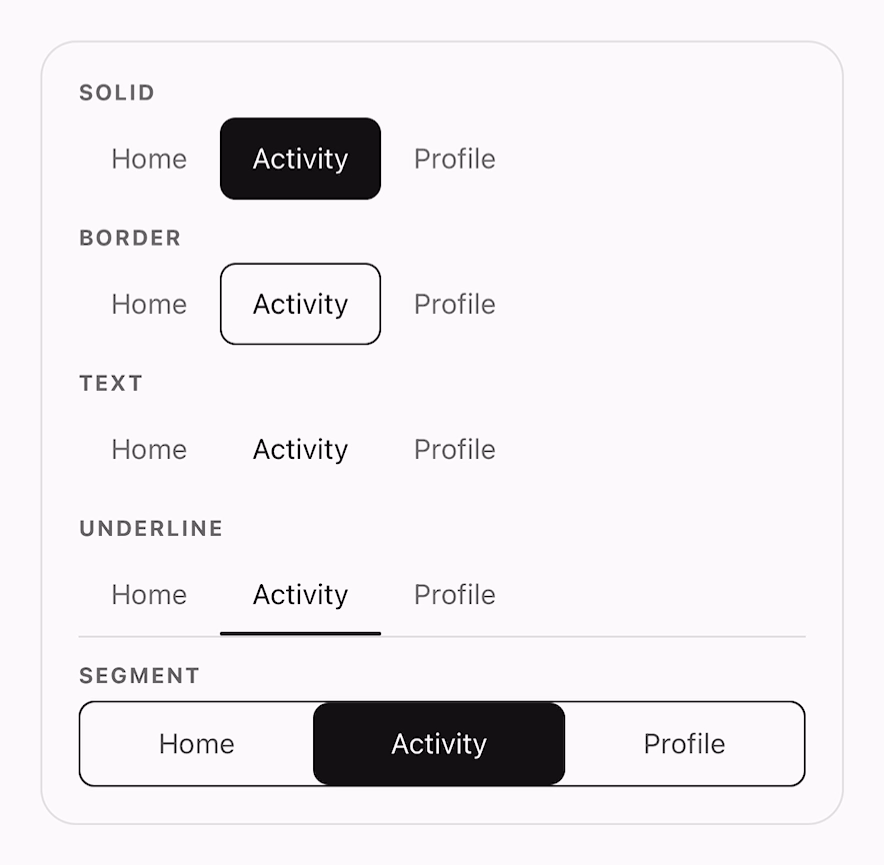
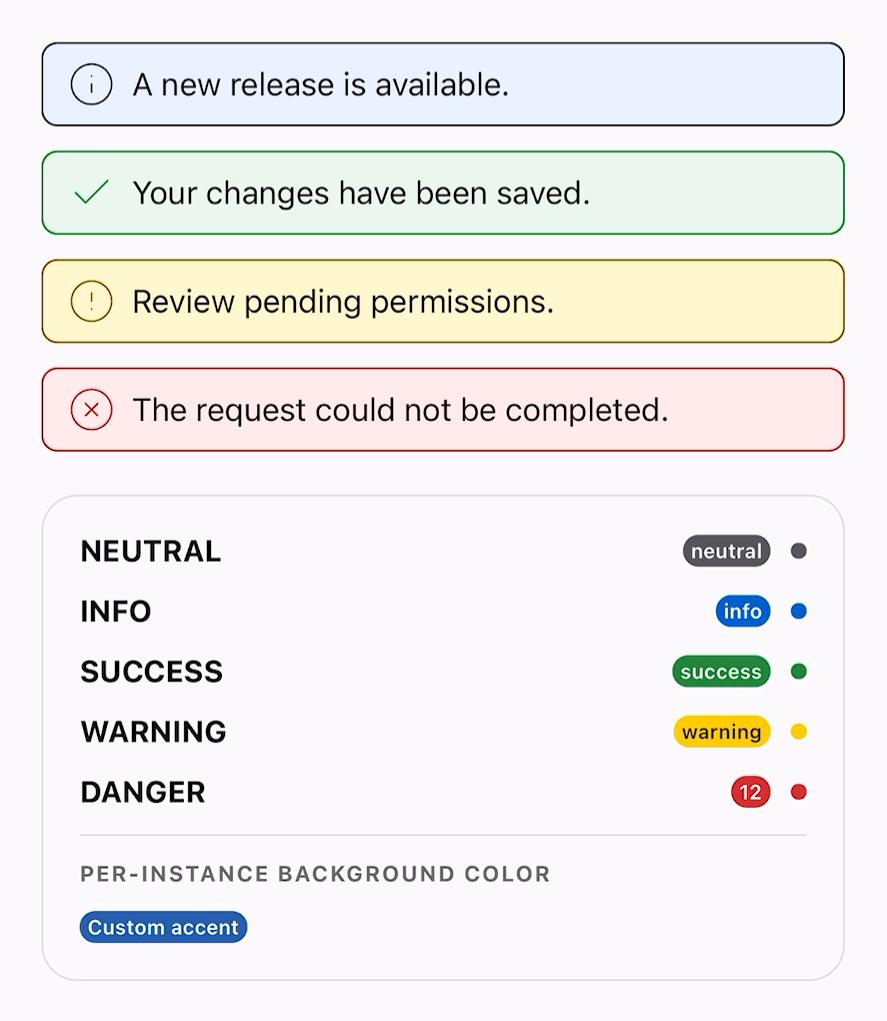
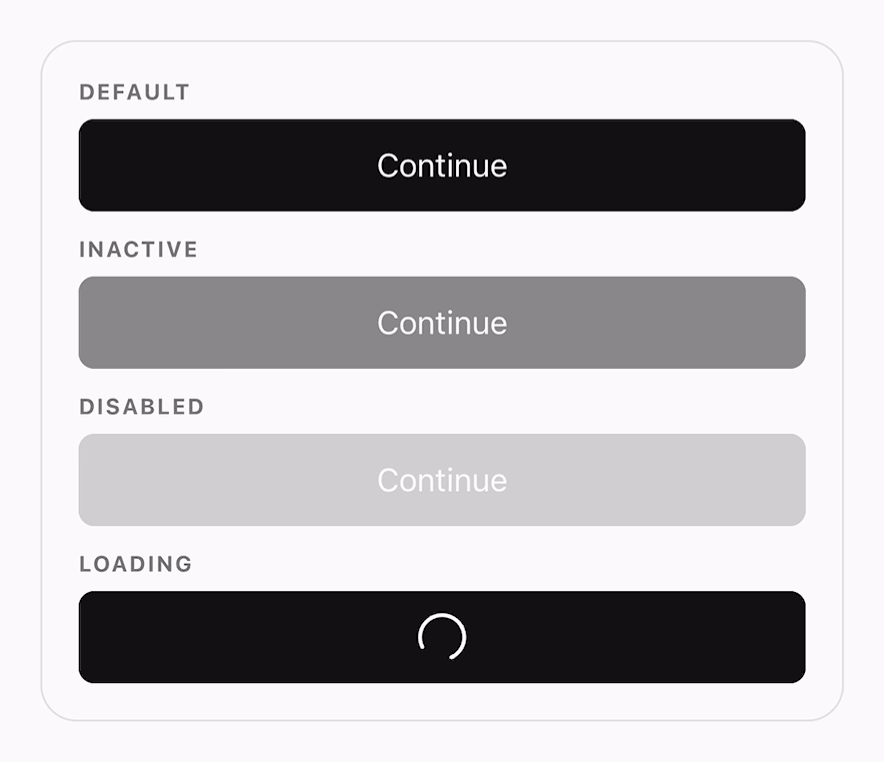
Theme transitions, selection, loading, composition, ReverseTheme, and feedback are designed as one coherent system.
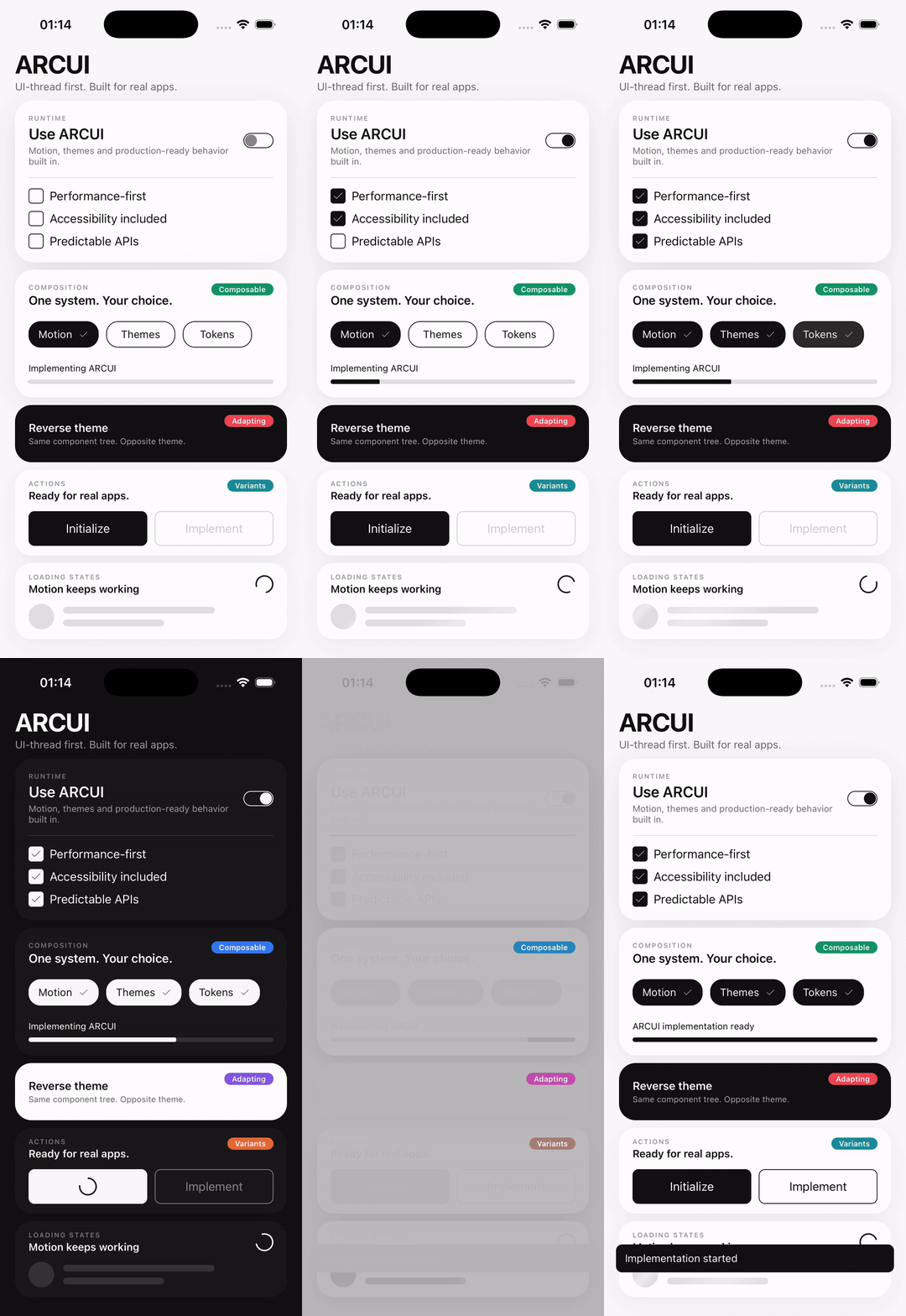
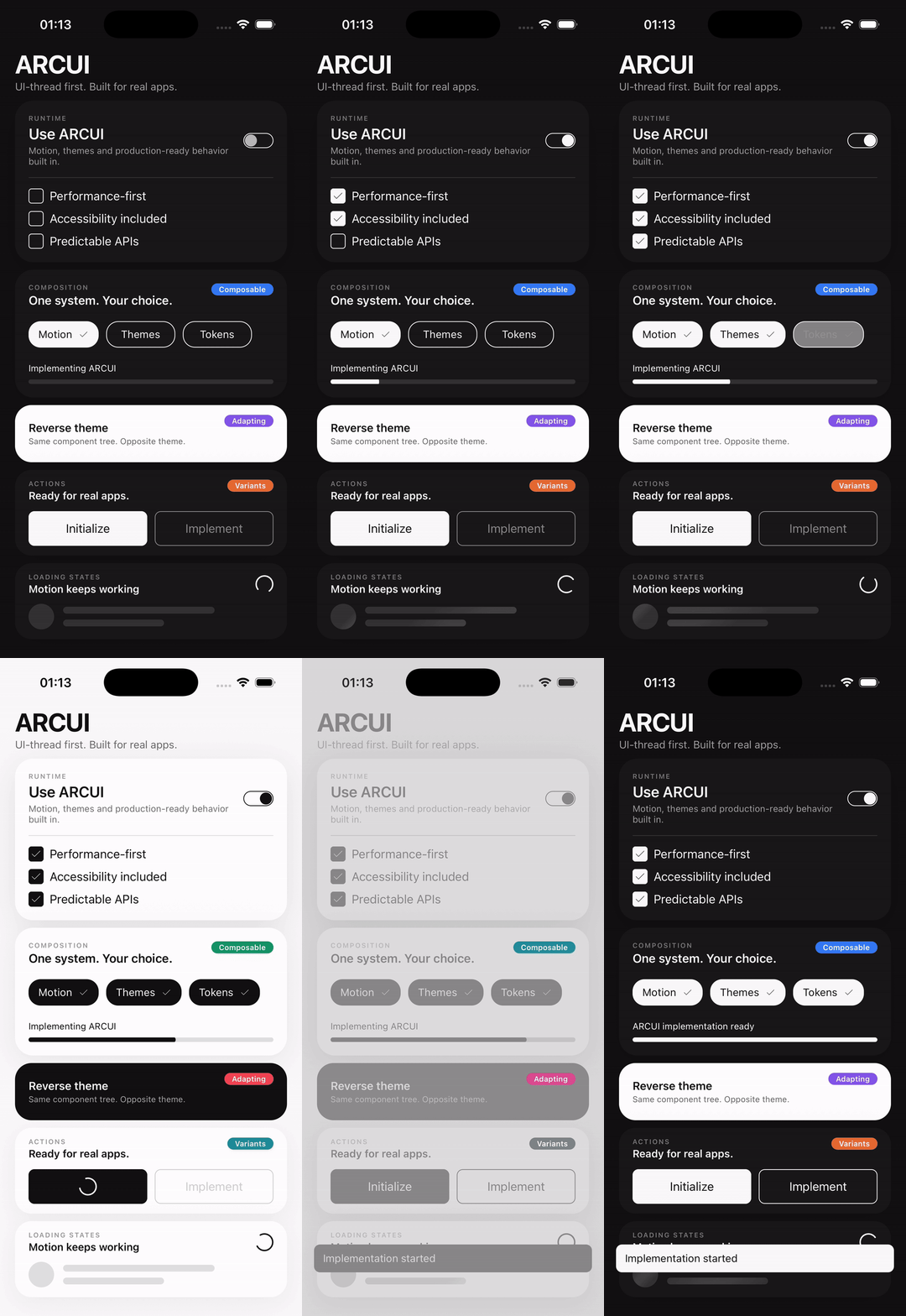
Frame-level visual work stays on the UI thread with Reanimated where practical, including gestures, transforms, progress, and theme interpolation.
Native semantics, semantic accessibility state, centralized font scaling, Reduced Motion, and localizable ARCUI-owned strings.
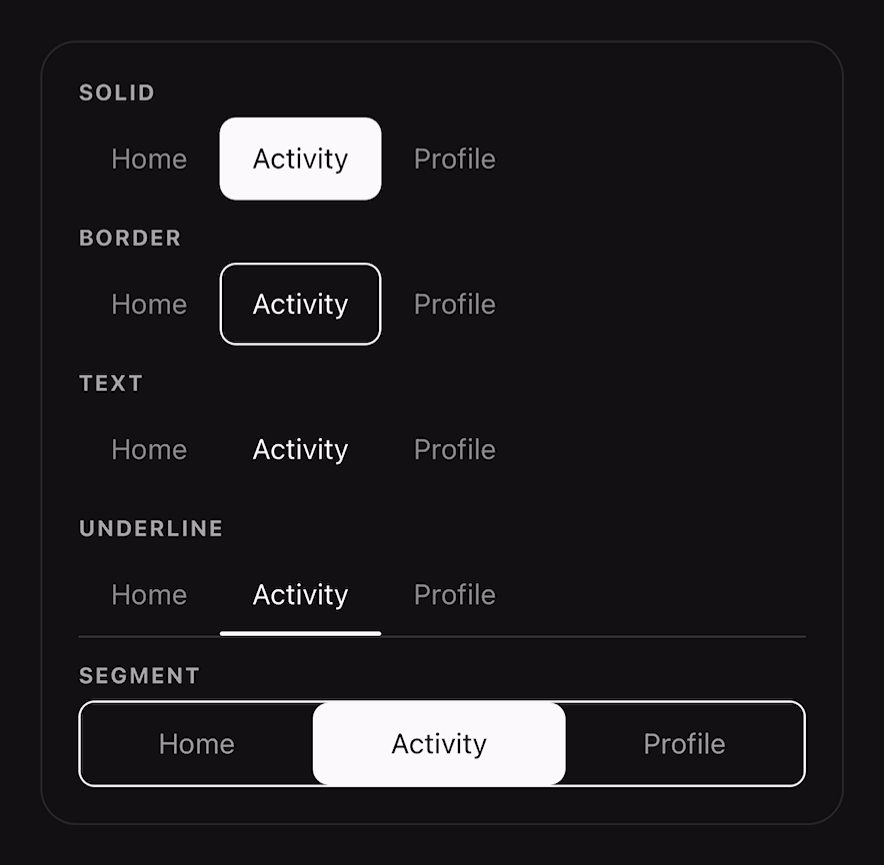
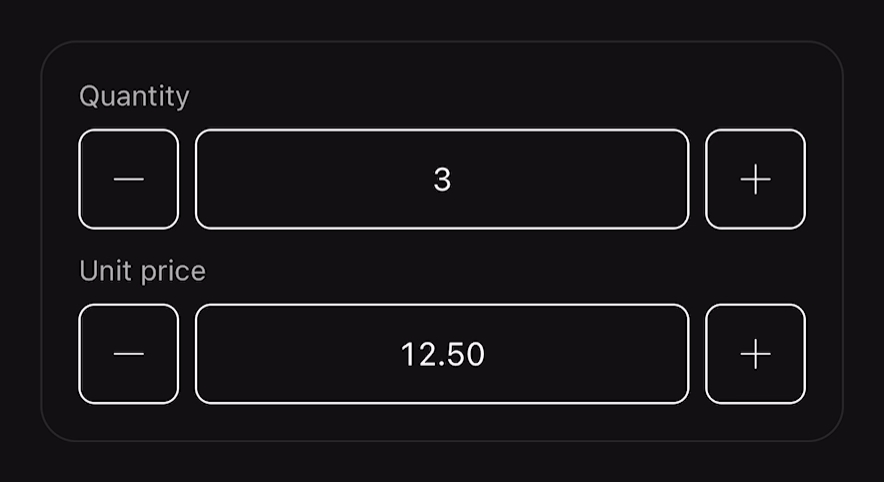
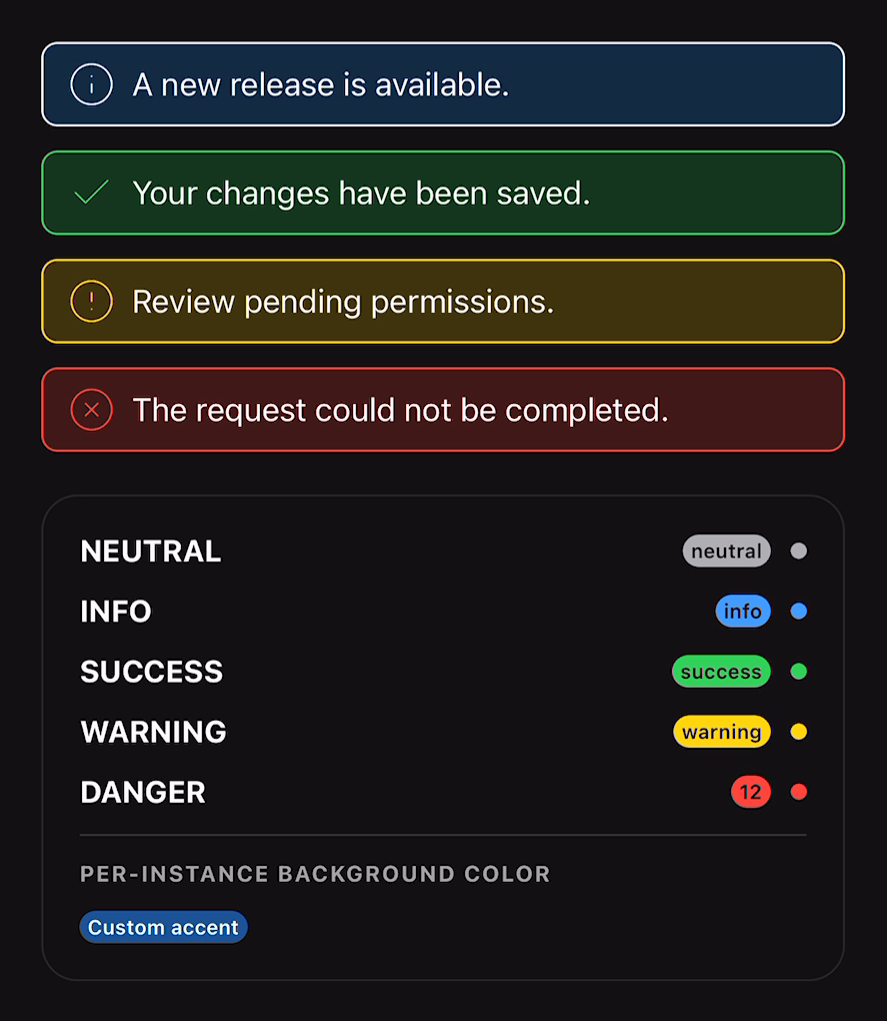
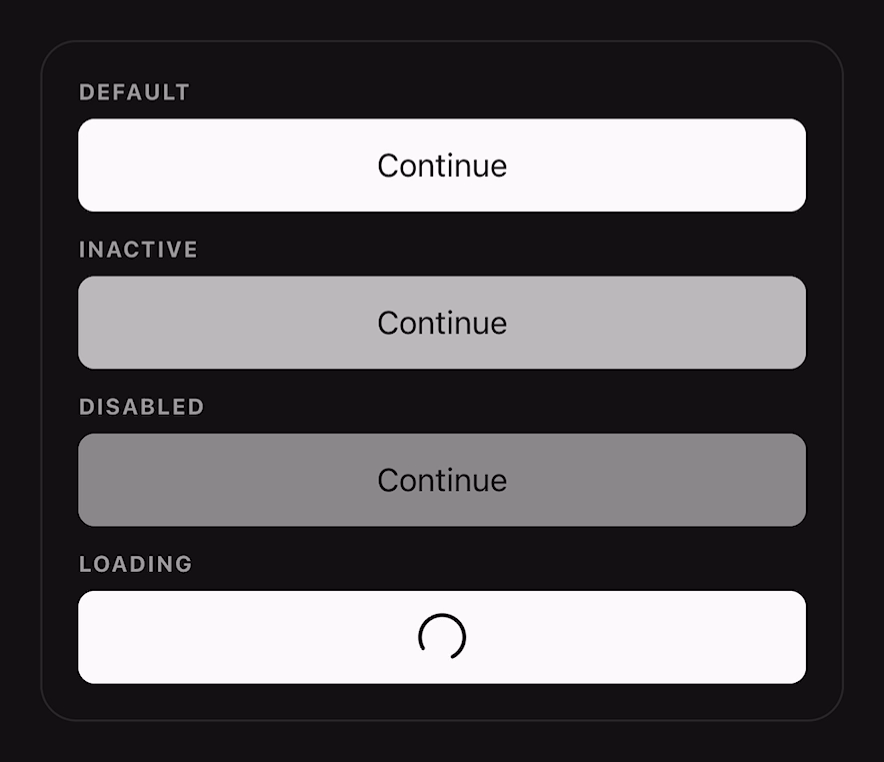
Light, dark, system, ReverseTheme, typography, spacing, sizing, safe-area behavior, and design-system-first configuration.
React owns semantic application state while SharedValues own continuous visual state. Public contracts make that boundary explicit.
AI-assisted development
ARCUI includes a structured ai/ layer so coding agents can understand component semantics, ownership, composition, motion, accessibility, and the exact version installed in your project.
ai/SKILL.md
Start with ARCUI's compact operating rules.
ai/INDEX.md
Choose only the references relevant to the task.
references + patterns
Use version-matched semantics and composition guidance.
public .d.ts
Verify the exact public TypeScript contract.
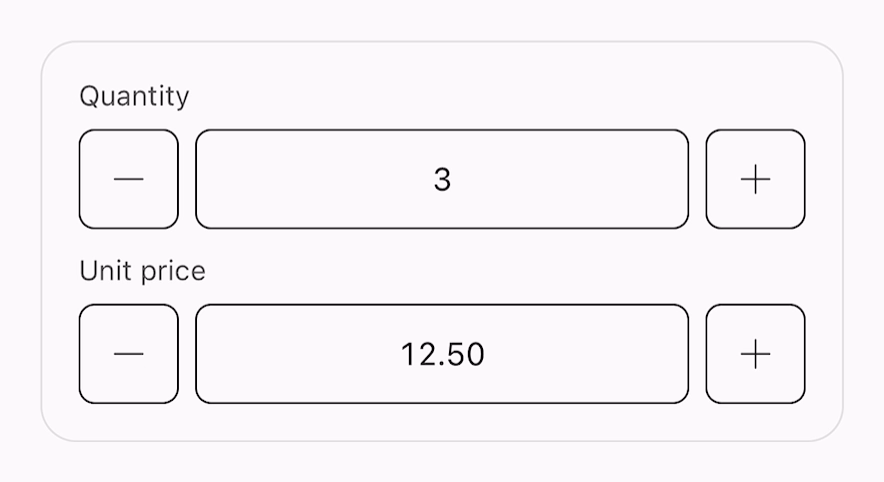
Component previews, real usage patterns, source-aligned API reference, accessibility behavior, motion notes, and cross-linked guides live together.
Explore components